Most small businesses don't need a CRM. They need to stop losing track of leads in a shared Gmail inbox. That's a lower bar than most CRM vendors want you to believe — and it means you can solve the problem without spending $100/month or hiring someone to configure a six-hub enterprise platform.
In 15 years of CRM consulting, the single biggest mistake I've seen small businesses make is buying for features they'll never use and then abandoning the tool within 90 days because adoption died. The best CRM for a small business is the one your team will actually open every morning. These 7 options are ranked on setup speed, team adoption, cost-per-outcome, and — critically — whether they're still worth using at 50 employees if you grow into them.
What Small Businesses Actually Need in a CRM
Before comparing tools, be honest about your actual requirements:
1. Contact and deal tracking — A centralized place to log every lead, their status, and the next action. This alone eliminates 80% of the problem.
2. Email integration — The CRM should connect to your Gmail or Outlook so that emails log automatically. Any CRM requiring manual logging gets abandoned within 60 days.
3. Pipeline visibility — A visual board or list showing every deal by stage. If you can't see at a glance where every opportunity stands, the tool isn't doing its job.
4. Mobile access — Small business owners take calls and meet clients outside the office. A CRM without a decent mobile app is a desktop tool, not a business tool.
Everything else — marketing automation, customer portals, AI scoring, custom objects — can wait until you've built the habit of actually using a CRM.
7 Best CRMs for Small Business in 2026
1. HubSpot Free CRM — Best Starting Point
HubSpot's free CRM is the best zero-cost starting point in the market. Unlimited contacts, unlimited users, 1 pipeline, email integration with Gmail and Outlook, meeting scheduling, and a mobile app — all at no charge with no time limit.
The limits are real: one pipeline means you can't track separate sales processes (e.g., new clients and renewals). Email automation requires paid tiers. But for a business that currently manages leads in a spreadsheet or a shared inbox, HubSpot Free is a massive upgrade at zero cost.
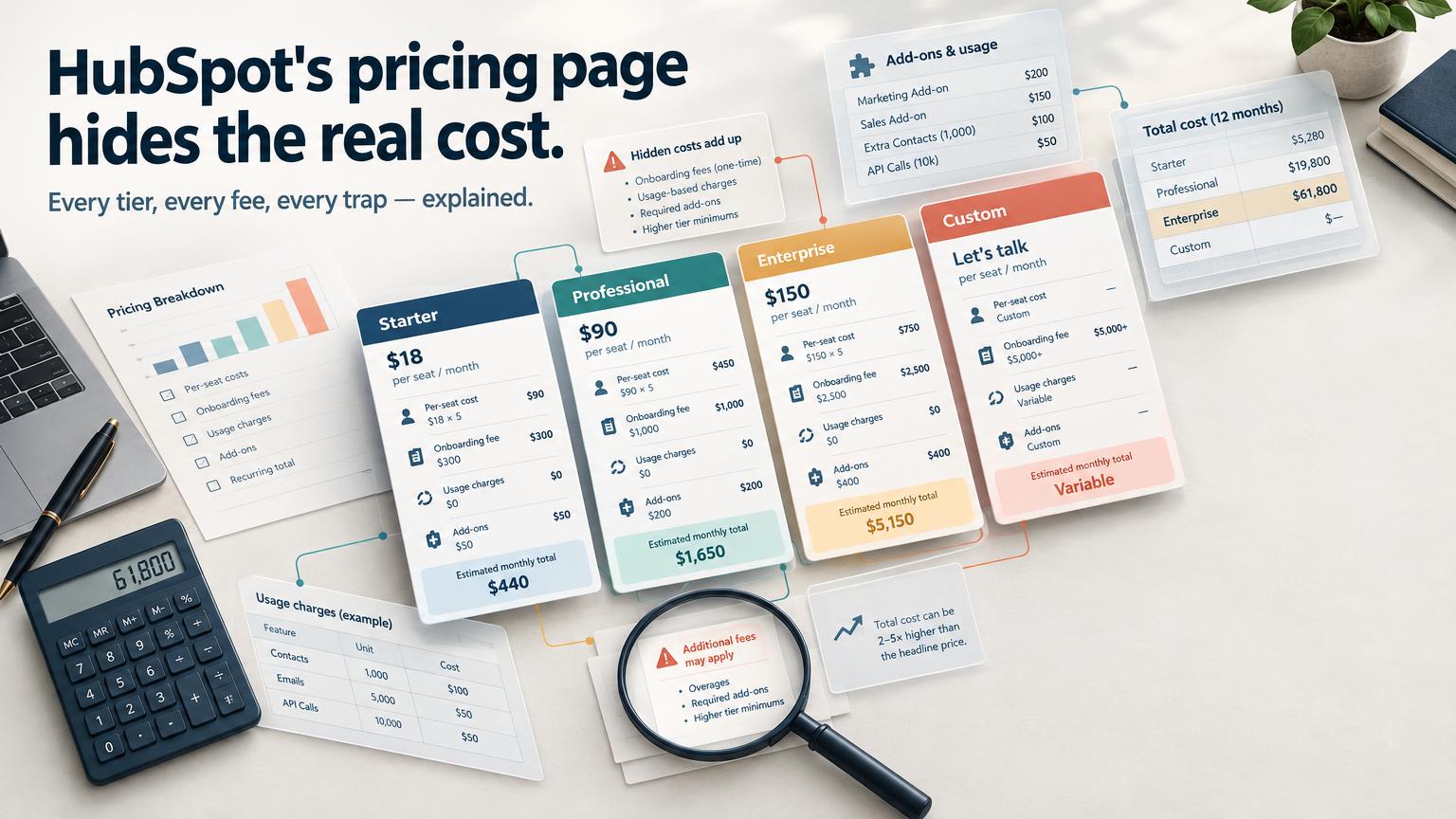
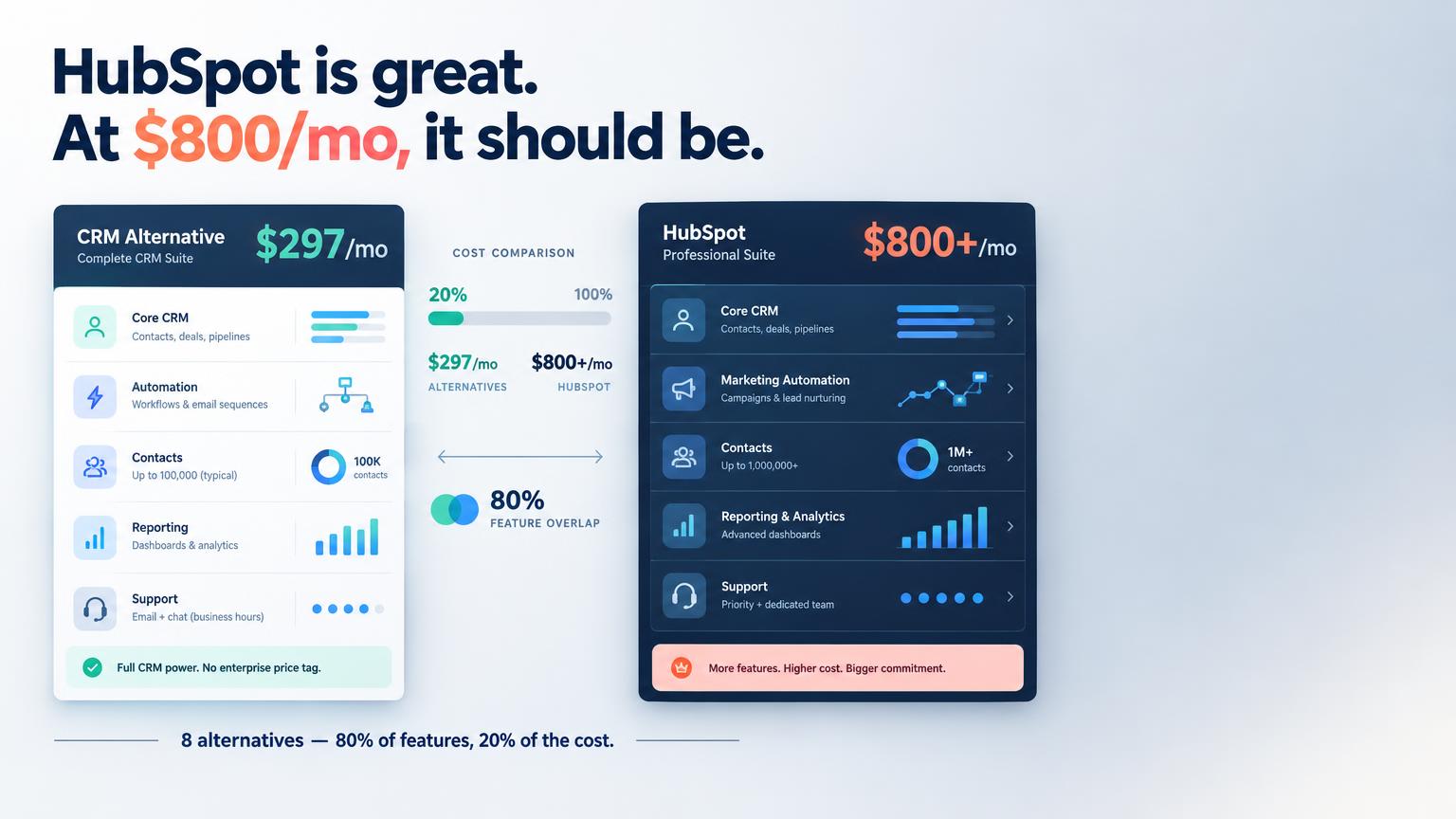
The strategic risk: once you start depending on it, upgrading becomes expensive fast. Professional tiers start at $450/month. If you think you'll need automation within 12 months, start with a paid alternative that scales more affordably.
Pros: Genuinely free, excellent Gmail/Outlook integration, strong mobile app, unlimited contacts and users Cons: 1 pipeline, no email automation, upgrade costs are steep Price: Free forever For who: Pre-revenue businesses or those just formalizing their first sales process → Start free on HubSpot
2. Pipedrive — Best for Sales-Focused Small Businesses
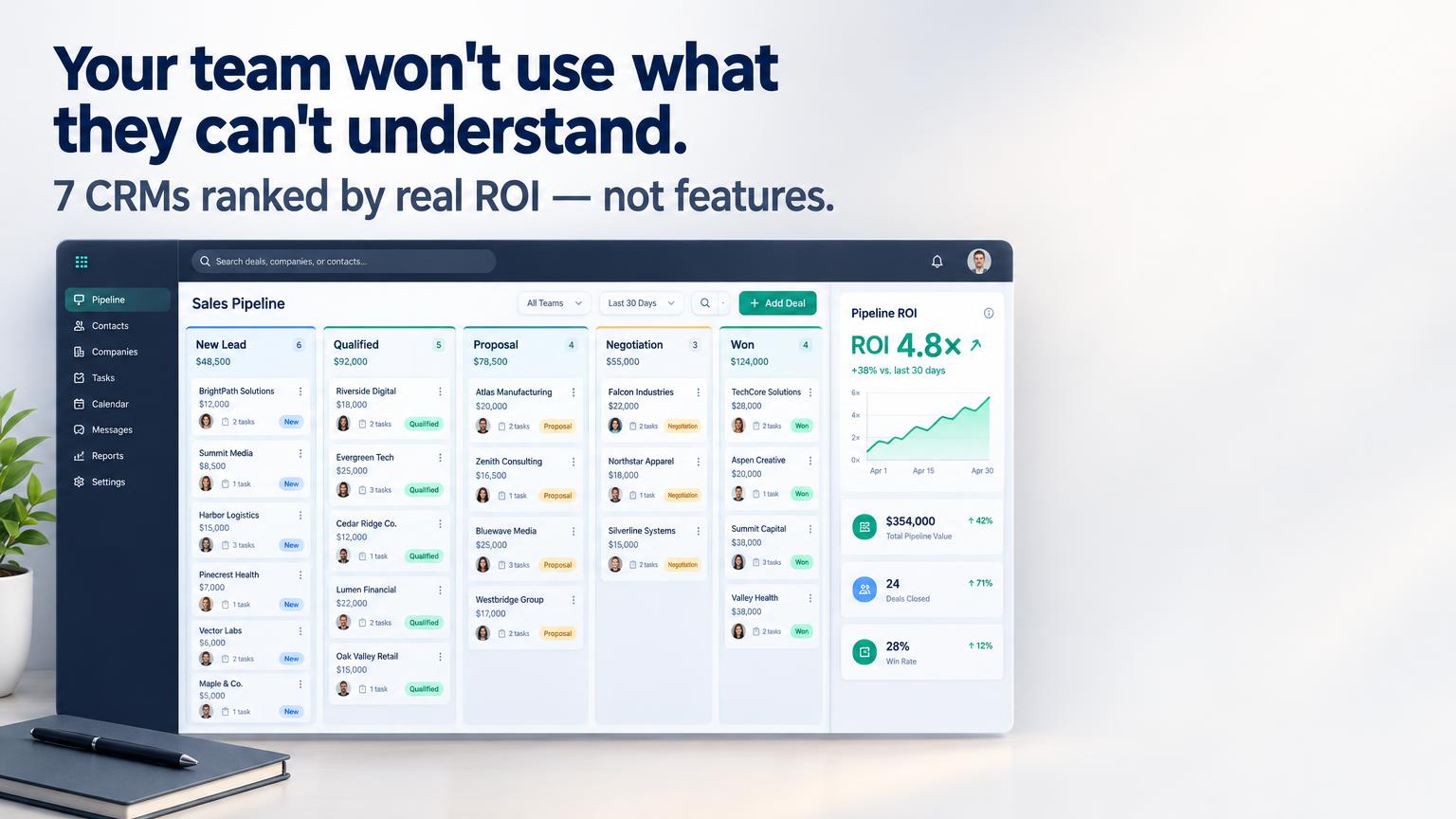
Pipedrive is the CRM I recommend most often to small businesses with an active outbound or inbound sales motion. The pipeline view is the clearest in the category — every deal, every stage, every activity, visible without clicking into individual records.
The mobile app is excellent. Call logging is one tap. Activity reminders are configurable and actually useful. Adoption rates on Pipedrive are the highest I've seen in this segment — because the tool is built around what salespeople actually do, not what a marketing team wished they'd do.
At $14/seat/month, it's affordable for teams up to 10 people. Beyond that, you'll want to compare with tools that include more automation at no extra cost.
Pros: Best pipeline UX in the category, excellent mobile app, highest adoption rates I've measured, AI assistant included from Essential plan Cons: No free plan, email marketing costs extra (add-on), limited customer support features Price: Essential $14/seat/mo · Advanced $29/seat/mo · Professional $49/seat/mo For who: B2B businesses with an active sales team and deal-driven sales cycles → Try Pipedrive free for 14 days
3. GoHighLevel — Best for Service Businesses and Agencies
GoHighLevel is categorized as an agency tool, but its $97/month Starter plan is increasingly the right choice for service businesses — coaches, consultants, HVAC companies, real estate agents — who need CRM + appointment booking + follow-up automation in one place without paying for three separate tools.
At $97/month, you get unlimited contacts, unlimited pipelines, a built-in calendar and booking system, two-way SMS, email automation, and a basic funnel builder. That's $97 versus paying $20–$50/month for a CRM + $20/month for Calendly + $30/month for email marketing = $70–$100/month with less integration.
The learning curve is higher than Pipedrive or HubSpot, and the UI is dense. But for a service business that books appointments, sends follow-up texts, and manages client relationships, GoHighLevel's Starter plan solves more problems than anything else at this price.
Pros: CRM + booking + email + SMS + funnels in one, unlimited contacts on all plans, genuinely strong automation, $100/month recurring affiliate commission Cons: Steeper setup time (plan 1–2 days for initial configuration), overkill if you only need pipeline tracking Price: $97/mo (Starter) · $297/mo (Agency) For who: Service businesses, consultants, and local businesses that need automated follow-up alongside deal tracking → Try GoHighLevel free for 14 days
4. Zoho CRM — Best Budget Option with Full Features
Zoho CRM's free plan supports up to 3 users with full CRM features — contacts, leads, accounts, deals, and workflow rules. For a founding team of 2–3 people, this is a legitimate long-term option.
The Standard plan at $14/seat/month adds email integration, multiple pipelines, scoring rules, and webforms. The Professional plan at $23/seat/month unlocks workflow automation that HubSpot doesn't include until $450/month.
The caveat I give every client: Zoho's UX takes getting used to. The interface feels dated, the settings menus are deep, and onboarding is self-serve by default. If your team needs a modern, intuitive interface to build adoption, Zoho will frustrate you. If you have one technically capable person who can handle setup, the feature-to-price ratio is unmatched.
Pros: Free plan for 3 users, best features-per-dollar in the market, Zoho ecosystem integration (Books, Desk, Campaigns), AI assistant (Zia) on paid plans Cons: UI is dated, steeper learning curve, self-serve onboarding by default Price: Free (3 users) · Standard $14/seat/mo · Professional $23/seat/mo For who: Budget-constrained businesses with a technical admin or founder who can handle configuration → Try Zoho CRM free
5. Freshsales — Best Modern UI at a Low Price
Freshsales has the best user interface in this list at its price point. Clean, fast, intuitive — teams that have failed to adopt HubSpot or Zoho due to complexity routinely succeed with Freshsales because the learning curve is genuinely low.
The free plan supports unlimited users with basic features: contacts, accounts, deals, email integration, and a built-in phone (limited minutes). For very small teams just getting started, this is a strong option.
Freddy AI — Freshsales' built-in AI assistant — is included from the Growth plan and provides contact scoring, deal insights, and next-action suggestions that are practical, not just decorative. I've seen it surface opportunities that a salesperson buried in their queue would have missed.
Pros: Cleanest UI in the budget CRM segment, built-in calling on all plans, solid free tier, Freddy AI from $15/seat/mo Cons: Advanced automation requires Pro plan ($39/seat), deep analytics limited to higher tiers Price: Free · Growth $15/seat/mo · Pro $39/seat/mo For who: Small teams that need fast adoption and a modern interface; also good for first-time CRM users → Try Freshsales free
6. Streak — Best for Gmail-Dependent Teams
If your team runs on Gmail and you've been managing deals by flagging emails and keeping a spreadsheet, Streak is the path of least resistance. It lives inside your Gmail inbox — pipelines, contact records, and deal tracking accessible directly alongside your email threads.
There's no new app to install, no login to remember, no context switch. You open Gmail, and the CRM is there. For teams with low technical appetite or those who've failed to adopt traditional CRMs, this removes the adoption barrier entirely.
The Solo plan at $15/month supports unlimited pipelines for a single user, making it the cheapest paid CRM option for solo operators. The Pro plan at $49/seat/month supports teams but competes with tools that offer more outside Gmail.
Pros: Zero context switching (lives in Gmail), excellent for relationship tracking, solid free solo plan, mail merge built in Cons: Google Workspace dependency, limited automation, not suitable for non-Gmail teams, reporting is basic Price: Free (solo, basic) · Solo $15/mo · Pro $49/seat/mo For who: Solo operators and small teams that run entirely on Gmail and won't adopt a separate app → Try Streak free
7. Notion CRM (DIY) — Best Zero-Cost Option for Bootstrappers
For businesses not yet ready for any paid tool, a Notion-based CRM built from a template is a legitimate starting point. Notion's free plan supports unlimited pages, relational databases, and basic views (table, kanban, calendar) — everything you need for a functional contact + deal tracking system.
This isn't a CRM — it's a database. No email integration, no automated reminders, no mobile deal logging. But for a solo founder running 5–10 active deals, it works. When you outgrow it, you'll have a clearer picture of what you actually need from a real CRM, and you'll stop overpaying for features you guessed at.
Pros: Completely free, flexible, no adoption friction if your team already uses Notion Cons: Not a CRM — no email integration, no reminders, no reporting, no scalability Price: Free (with Notion account) For who: Pre-revenue founders or businesses with fewer than 10 active deals at any time
CRM Comparison for Small Business
| CRM | Starting Price | Free Plan | Pipelines | Email Sync | Mobile App | Best For |
|---|---|---|---|---|---|---|
| HubSpot Free | $0 | ✅ Unlimited users | 1 | ✅ | ✅ | First CRM, zero budget |
| Pipedrive | $14/seat/mo | ⌠(trial only) | Multiple | ✅ | ✅ | Active sales teams |
| GoHighLevel | $97/mo | ⌠(14-day trial) | Unlimited | ✅ | ✅ | Service biz + automation |
| Zoho CRM | $0–$23/seat/mo | ✅ 3 users | Multiple | ✅ | ✅ | Budget, feature-rich |
| Freshsales | $0–$39/seat/mo | ✅ Unlimited users | Multiple | ✅ | ✅ | Modern UI, fast setup |
| Streak | $0–$49/seat/mo | ✅ Solo | Multiple | ✅ Gmail only | âš ï¸ Limited | Gmail-native teams |
| Notion | $0 | ✅ | Manual | ⌠| âš ï¸ Limited | Pre-CRM bootstrappers |
Our Top Pick and Why
For most small businesses: Start with HubSpot Free, plan to move to GoHighLevel or Pipedrive within 12 months.
HubSpot Free gives you a functional CRM at no cost — the right choice while you're figuring out what you actually need. Use it for 3–6 months. By then you'll know whether your bottleneck is pipeline visibility (→ Pipedrive), automated follow-up (→ GoHighLevel), or budget-friendly automation (→ Zoho CRM Professional).
If you're a service business — consultant, coach, agency, local service provider — skip the intermediate step and start with GoHighLevel's Starter at $97/month. The built-in appointment booking and SMS follow-up alone will recover the cost within the first month if you're running any volume of inbound leads.
→ Try GoHighLevel free for 14 days — the only CRM on this list that replaces your booking tool, email platform, and deal tracker in one subscription.
Frequently Asked Questions
What CRM is best for a business with under 5 employees? HubSpot Free or Freshsales Free are the best starting points for teams under 5. Both support unlimited users at no cost with functional pipelines and email integration. If your business involves appointment booking or client follow-up via SMS, GoHighLevel's $97/month Starter plan is worth the investment from day one.
How long does it take to set up a CRM? A basic CRM setup (importing contacts, building a pipeline, connecting Gmail) takes 2–4 hours with Pipedrive, Freshsales, or HubSpot. Zoho CRM and GoHighLevel take longer — plan a full day for GoHighLevel if you want automation configured properly. The time investment pays back within weeks if it replaces your current manual process.
Should I get a CRM with built-in email marketing? Not necessarily. CRM + email marketing bundles (HubSpot, GoHighLevel, ActiveCampaign) are convenient but expensive when you grow. For a small business, it's often cheaper and more effective to use a dedicated CRM for deal tracking (Pipedrive, $14/seat) and a separate email tool (MailerLite, free up to 1,000 contacts). Separate tools give you more flexibility to switch either one without disrupting the other.