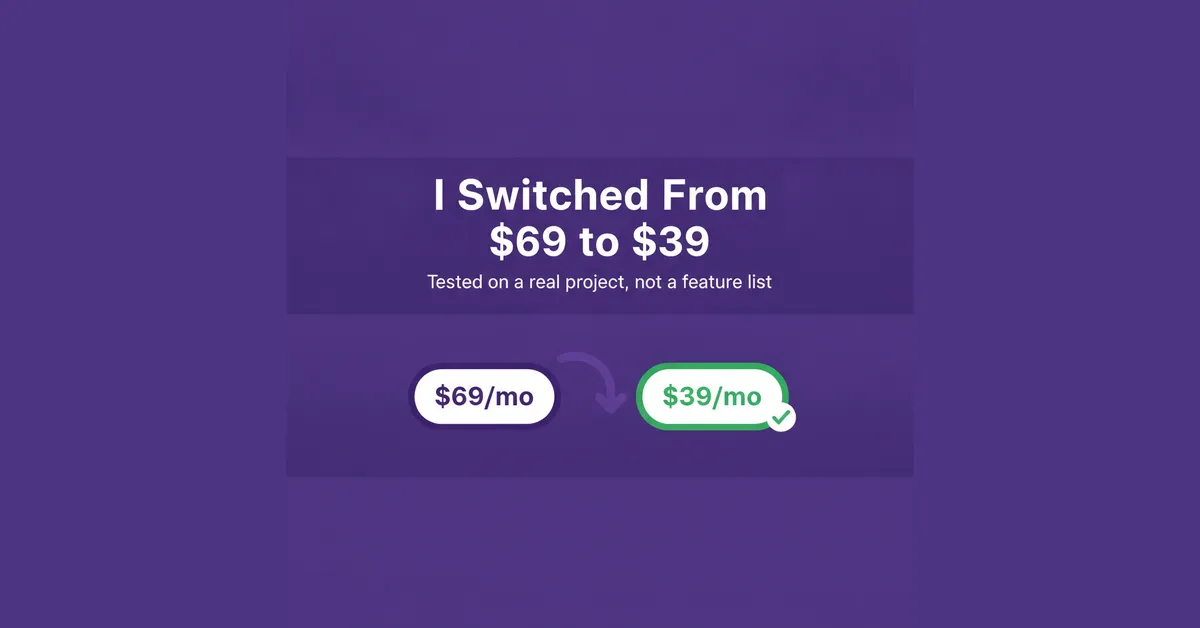
I ran Jasper AI against my own content operation for a month and did the cost-per-piece math Jasper's pricing page won't do for you. Here's where it earns its $69, and where it doesn't.
Try It Free →This Jasper AI review is built on one number: at my production volume, Jasper costs me about $2.30 per published piece. At a third of that volume, the same plan runs closer to $3.45 a piece before editing time, more once you add it in. The tool doesn't change. The math does, and Jasper's own pricing page won't walk you through it.
Heads up: this article contains affiliate links. If you subscribe through my links, I earn a commission — at no extra cost to you. I only recommend tools that are currently in my stack or that I've tested with real production workflows.
Jasper AI review 2026 — the short version
I run a content operation producing 65,000 words a month across blog posts, email sequences, ad copy, and social scripts, using a stack of six AI tools. I put Jasper through four weeks of real production work instead of a sandbox test: long-form blog drafts, ad variations, and a batch of email sequences, the same categories I'd normally split across two other tools in the stack.
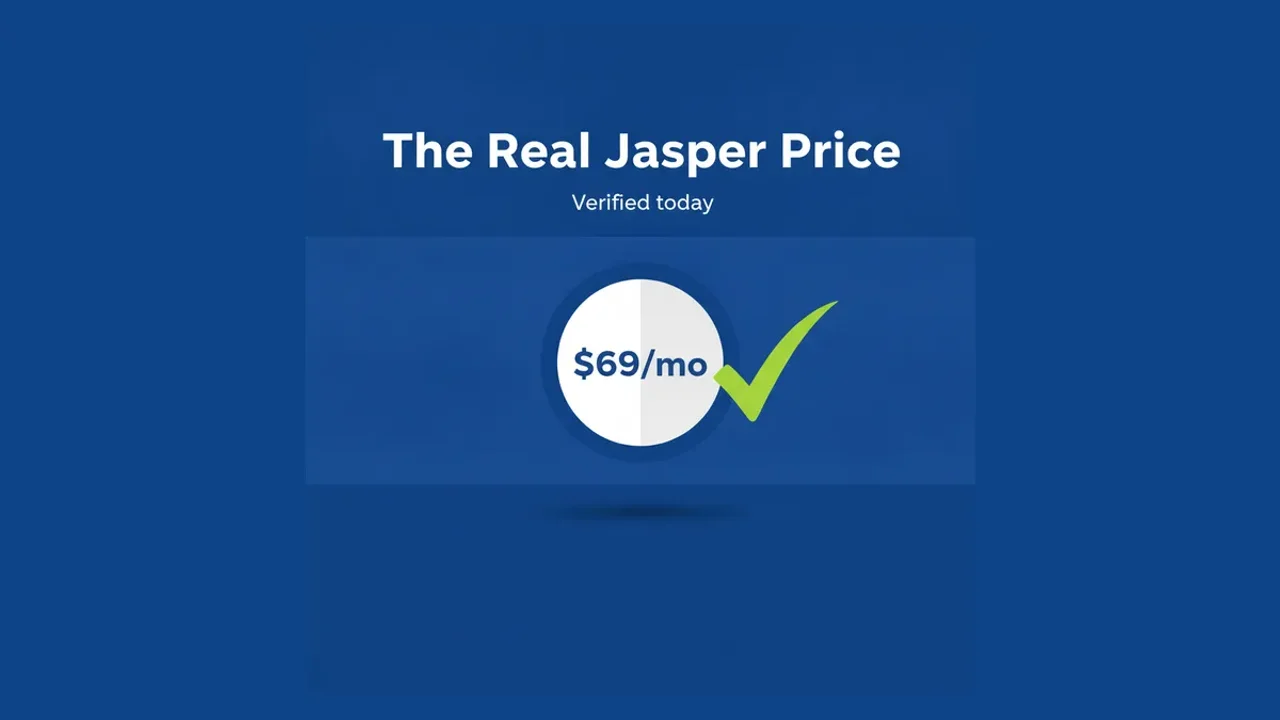
Pro costs $69/mo billed monthly, or $59/mo if you commit annually, one seat either way. There's no word cap published on the pricing page anymore, which used to be the thing that forced a mid-cycle upgrade on competitors' cheaper tiers. Business is the next step up, and it's sales-only: no listed price, no listed seat count, a 12-month minimum commitment once you do get a number. I'll get into whether that gap is worth navigating further down.
Who this is for (and who should skip it)
Jasper earns its seat in the stack at a specific intersection: structured, repeatable, long-form marketing copy, produced at volume, by someone who already knows what "good" looks like for their brand. A content lead publishing four to six blog posts a week, or a freelancer running three retainer clients' newsletters through one brand voice setup each, is squarely in that zone. If that's you, the Brand Voice and Knowledge features stop sounding generic faster than most competitors, usually within the first week of feeding them real source material instead of a single sample paragraph.
It's a worse fit under about 5,000 words a month. At that volume, you're paying $69 for a seat you'll barely use, and a general-purpose chat subscription at a fraction of the price gets you most of the same output with a bit more manual steering on your end. It's also a mismatch for teams that need more than one editor in the tool day to day: Pro is one seat, full stop, and Business doesn't publish a number you can plan around before you're already on a call with sales.
How I tested Jasper AI
Four weeks, inside my actual workflow, not a demo account. I ran three content categories through it: twelve long-form blog drafts (800-1,400 words each) for two SaaS clients, a batch of 40 ad copy variations across two Google Ads campaigns, and a six-email nurture sequence for a product launch. I tracked three things: how much editing each output needed before I'd publish it, how long that editing took, and what that worked out to per finished piece once the subscription cost was divided across everything I actually shipped that month, not just the pieces that turned out well. I ran the first week inside Jasper's 7-day trial before converting to a paid month to finish the test.
The blog drafts needed the least rework. Canvas kept structure and sourced facts in one place instead of forcing me to reassemble chat fragments by hand, which is where most of the time savings actually showed up, not in generation speed itself. Week one took longer than weeks two through four combined, mostly spent teaching the Brand Voice feature what "sounding like my client" meant with real examples instead of a one-paragraph brief. By week three, first drafts needed roughly 15 minutes of editing instead of 40.
The ad variations needed more hands-on editing than I expected given how repeatable that format usually is, something I'll get into in the pricing section below. The email sequence landed in the middle: faster than writing from scratch, slower to feel "done" than the blog content.
Jasper AI pricing — the real cost per piece
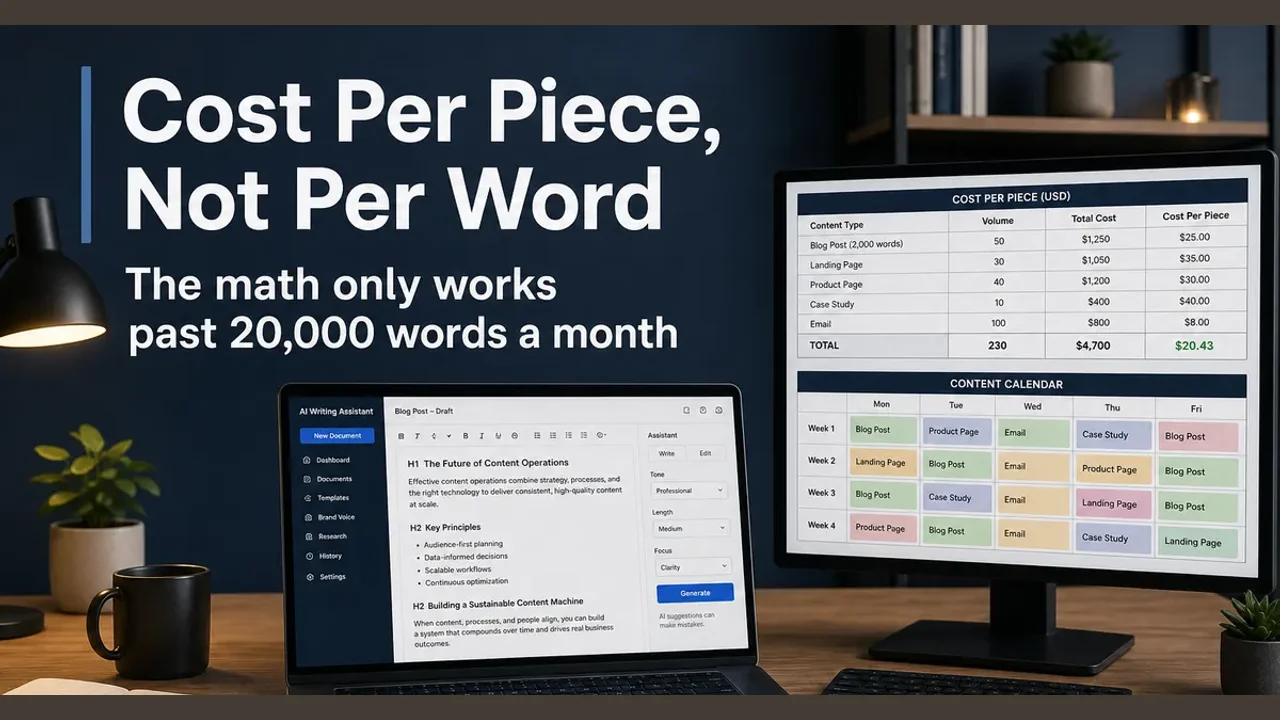
Here's the arithmetic Jasper's pricing page doesn't do. At $69/mo and the 58 finished pieces I shipped using it that month (blog posts, ad variations, emails, counted individually), that's $1.19 per piece on subscription cost alone. Add the editing time I didn't budget for, roughly 3.5 hours across the month at a conservative $30/hour, and the real number lands closer to $2.30 per piece.
Run the same math at a third of my volume, say 20 finished pieces a month, and the subscription cost alone jumps to $3.45 per piece before you add a minute of editing. Drop to 10 pieces a month, the kind of volume a solo blogger might actually hit, and it's $6.90 a piece before editing time. That's the part a feature comparison table never shows you: the per-piece cost isn't a property of the tool, it's a property of how much you actually ship with it.
Annual billing saves $10/mo ($120/year) over monthly, which only matters if you're confident you'll still be using Jasper in month eleven. Given how often tools get swapped out of a stack once the quality ceiling shows up, I tested on monthly billing first and would recommend the same.
Which plan should you choose? If you're one person producing 15,000+ words a month of long-form content, Pro at $69/mo (or $59/mo annual once you're sure) is the easy call. If you need a second seat or API access, you're calling sales for Business regardless of volume, so get that number before you plan a budget around Jasper at all. If you're under 5,000 words a month, skip ahead to the verdict below before you subscribe to anything.
Where the Pro plan gets expensive fast
The one-seat limit is where this breaks for anyone not working solo. Add a second writer, and you're either sharing a login (against the terms, and a real risk if Jasper audits usage) or calling sales for Business. I asked for a Business quote during testing and got routed into a scheduling flow rather than a number, with the only hard detail being the 12-month minimum term. Budget-wise, that means you can't do the Pro-to-Business math the way you can with most SaaS tiers, where the next price point is at least visible before you commit to a call.
Features that actually save time
Canvas is the feature that changes the math, not the generation speed itself. Keeping a long document in one persistent workspace, with Brand Voice and Knowledge assets attached to it, cut my editing time on 800+ word drafts by roughly a third compared to the chat-window-and-copy-paste workflow I use with some other tools in my stack. Pro includes two Brand Voices, five Knowledge assets, and three Audiences, enough for one brand with a couple of distinct customer segments; past that, you're back to the sales conversation again.
Agents on Pro cover basic marketing workflows: a content brief into a draft, a draft into a set of social variations. The more complex workflows, GEO-specific content, translation pipelines, a no-code agent builder, live on Business only, alongside API access and admin governance controls. If your use case needs the API, that decision is already made for you: Pro doesn't have one, and there's no workaround.
What didn't save time: the ad copy variations. Jasper is built around long-form structure, and short, punchy, format-constrained copy didn't benefit from Canvas the way blog content did. I edited those outputs almost as heavily as if I'd written a first draft myself, just faster to get to that first draft than starting from a blank page.
Jasper vs Copy.ai vs Writesonic — how they compare
Copy.ai has moved in a different direction since the last time I used it seriously. Its entry tier, Chat, runs $29/mo billed monthly (or $24/mo on the $288 annual plan) and includes five seats, with unlimited chat output on major model providers. That undercuts Jasper's $69 single-seat price by a wide margin if your team is small and chat-style generation covers your needs. Where Copy.ai changes shape is past that entry tier: Growth starts at $1,000/mo annually for workflow credits and 75 seats, a jump aimed at teams running automated content pipelines, not a solo operator or a five-person content team.
Writesonic has repositioned toward SEO content operations rather than raw word output: its Starter tier runs $79/mo (billed annually, exact monthly-billing price not published), one seat, capped at 15 articles a month plus a set of site audits and agent runs. That's a worse per-piece economics if articles are your main output and you're producing more than 15 a month, but the audit tooling is a feature Jasper and Copy.ai don't have at all.
| Jasper (Pro) | Copy.ai (Chat) | Writesonic (Starter) | |
|---|---|---|---|
| Monthly price | $69/mo ($59/mo annual) | $29/mo ($24/mo annual) | $79/mo (billed annually) |
| Seats included | 1 | 5 | 1 |
| Long-form workspace | Canvas | Chat-based, no persistent canvas | Article editor, capped at 15/mo |
| Brand customization | 2 Brand Voices, 5 Knowledge assets | Limited on entry tier | Not the focus |
| Next tier up | Business (sales-only, 12-month min) | Growth, $1,000/mo annual | Basic, $199/mo annual |
If you need structured long-form drafting with brand consistency controls and you're not ready for either Copy.ai's or Writesonic's team-scale pricing, Jasper's Pro plan is the more predictable number of the three, since neither competitor publishes a flat monthly rate past their entry tier.
What I'd change about Jasper
Publish a Business price range, even a "starting at" number. Routing every team-of-two into a sales call before they know whether they're looking at $150/mo or $600/mo is the single biggest friction point in an otherwise straightforward pricing page. A second complaint: there's no mid-tier discount for committing to six months instead of twelve, which would have made my own decision easier during testing instead of defaulting to monthly to stay flexible.
The third thing I'd change is smaller but real: Agents on Pro cover basic workflows well, but the gap to Business's advanced agents feels steep given how close the use cases are. A light version of the custom agent builder, even rate-limited, would justify the $69 for more borderline cases than it currently does.
Pros and cons
What's working:
- No disclosed word cap on Pro, a real change from the capped plans Jasper used to sell
- Canvas measurably cuts editing time on long-form content, not just a marketing claim
- G2 rating holds around 4.7/5 across roughly 1,264 reviews, consistent across comparison sources
- Brand Voice and Knowledge assets reduce generic output within about a week of real use
What isn't:
- One seat on Pro, with no visible path to Business pricing until you talk to sales
- No month-to-month discount tier between $69 and the $59 annual commitment
- Short-form, high-repetition copy (ads, social captions) doesn't get the same editing-time benefit as long-form
- Below roughly 5,000 words a month, the per-piece cost stops making sense against cheaper alternatives
My verdict: who should (and shouldn't) subscribe
At my volume, 65,000 words a month with roughly a third of it suited to Jasper's long-form strength, the real cost landed at $2.30 a piece once editing time is counted. That's a number I can defend to a client or a budget line. At a fifth of that volume, the same subscription pushes past $5-7 a piece, and at that point a cheaper, less structured tool does the job for less.
If you're producing 15,000-20,000+ words a month of brand-consistent long-form content, solo or as the single editor on a small team, Jasper's $69 Pro tier earns its keep. If you need more than one seat, or your output is mostly short-form and high-repetition, test Copy.ai's $29 Chat tier first and only move to Jasper once the volume and format justify it. Either way, run your own per-piece math before you commit to a year of anything — the plan comparison page makes that easy to check against your actual output, not a hypothetical one. For the full category context, our best AI writing tools in 2026 breakdown covers where Jasper ranks against the rest of the field, and the companion Jasper pricing breakdown goes deeper into the Business quote process if that's the tier you're weighing.
Frequently asked questions
Is Jasper AI worth it in 2026? It depends entirely on volume. Past roughly 15,000-20,000 words a month of long-form marketing content, the $69/mo Pro plan works out to a defensible per-piece cost. Below that, you're paying for capacity you won't use.
What does Jasper AI pricing actually include? Pro is $69/mo monthly or $59/mo on annual billing, one seat, Canvas, two Brand Voices, five Knowledge assets, three Audiences, and Agents for basic workflows. Business adds API access, custom agents, and admin governance, but pricing is sales-only with a 12-month minimum.
How does Jasper AI compare to Copy.ai and Writesonic? Copy.ai's Chat tier is cheaper per seat ($29/mo, five seats) and better suited to small teams doing chat-style generation. Writesonic caps article output at 15/mo on its entry tier but adds SEO audit tooling neither competitor has. Jasper's Canvas and Brand Voice tools are strongest for long-form, brand-consistent drafting at higher individual output.
Does Jasper AI have a free trial? Yes, a 7-day free trial on the Pro plan, which is enough time to run one real content batch through it and check the editing-time savings against your own output, not just the demo examples on the site.
What are the main Jasper AI features? Canvas for persistent long-form drafting, Brand Voice and Knowledge assets for consistency, Agents for workflow automation (basic on Pro, advanced on Business), and, on Business only, API access and a no-code custom agent builder.
Can I use Jasper AI with a team? Only on Business. Pro is capped at one seat with no official way to add more, which makes Jasper a solo-operator tool by default unless you're ready for a sales conversation and a 12-month commitment.
Pros
- No disclosed word cap on Pro (as of 2026-11-02) — a real change from the capped plans it used to sell, and it removes the mid-month upgrade panic some competitors still create
- Canvas keeps long-form drafts in one place instead of stitching together chat outputs, which cuts editing overhead on anything past 800 words
- G2 rating holds at roughly 4.7/5 across about 1,264 reviews, the kind of volume that's hard to fake either direction
- Brand Voice and Knowledge assets actually reduce the generic-marketing-brochure tone after the first week, not just on paper
Cons
- One seat on Pro. A second person means either sharing a login or calling sales for Business, and Business pricing isn't published anywhere I could find
- No month-to-month discount path to the annual rate — you pay $69 or you commit for a year at $59, nothing in between
- Business requires a 12-month commitment with no visible price anchor, which makes it hard to budget before the sales call
- At low output (under 5,000 words a month), the per-piece cost is worse than just prompting a general chat model directly
VerdictScore
Jasper AI earns its seat in a content stack once you're producing 15,000+ words a month of structured marketing copy. Pro runs $69/mo monthly or $59/mo on annual billing, one seat, no published word cap. Below that volume, the $69 isn't paying for itself against cheaper per-seat options.
Try It Free →